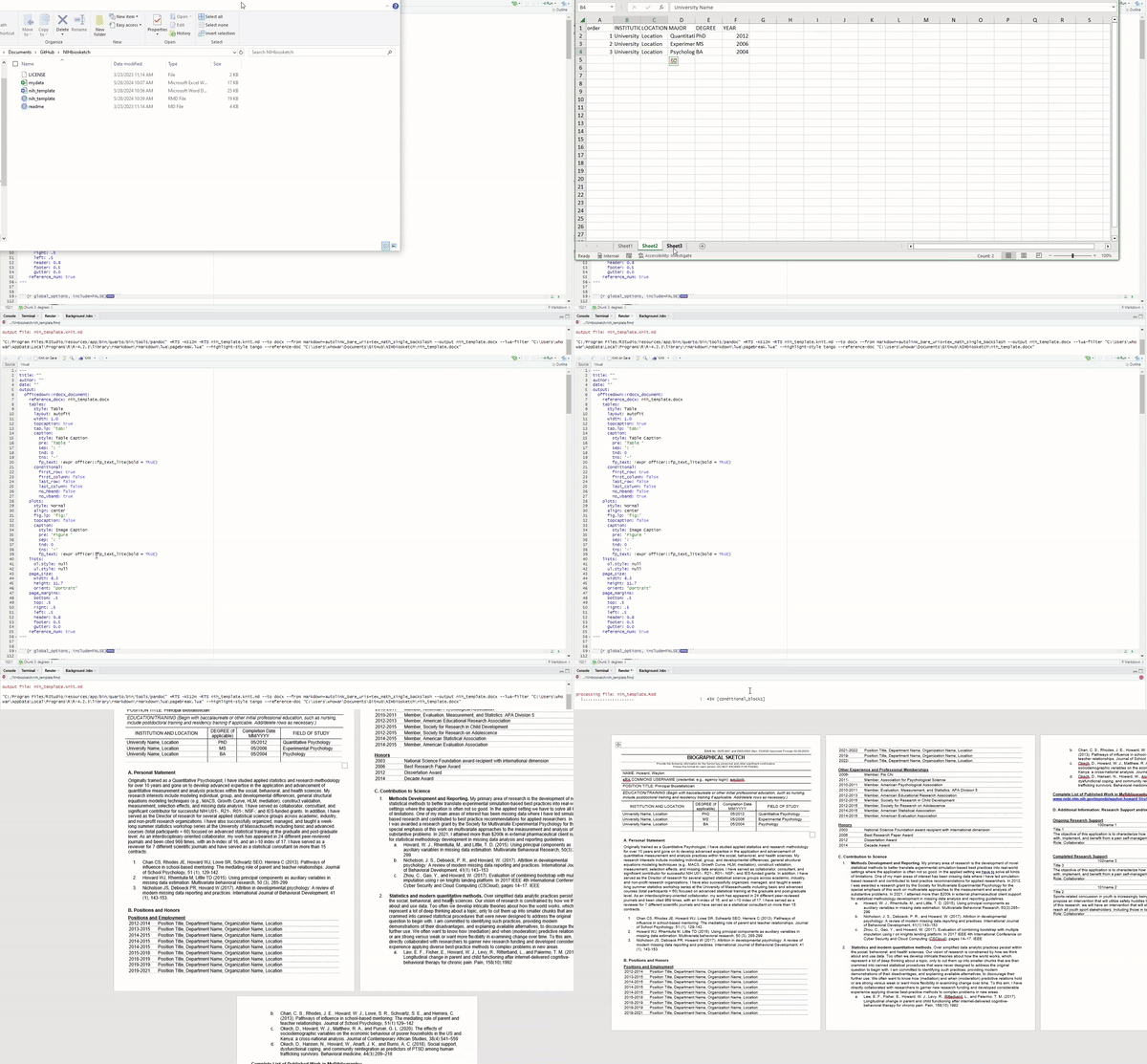
# BioBuilder - Easily create your NIH/IES/NSF/PCORI biosketch
### This RMD file specializes in generating NIH biosketches, streamlining the process for researchers
- [What does BioBuilder do?](#what-does-biobuilder-do)
- [But, why?](#buy-why)
- [How do I use this?](#how-do-i-use-this)
- [Current features](#current-features)
- [Future features](#future-features)
---
### What does `BioBuilder` do?
The idea of `BioBuilder` is to let you create and share your NIH/IES/NSF/PCORI formatted biosketch as a Word document, *formatted* and populated easily within R Markdown.
---
---
### But, why?
**Efficiency**. A biographical sketch (also referred to as biosketch) documents an individual's qualifications and experience for a specific role in a project. For instance, NIH requires submission of a biosketch for each proposed senior/key personnel and other significant contributor on a grant application. I've genrated numerous biosketches for grant submissions and used lots of time searching for a template, updating a previous version (hoping I've located the most recent version) and just needed a *simple* solution that could easily update.
---
### How do I use this?
1. **Clone the desired template from the link below**:
- E.g., clone `nih_template.docx` and `nih_template.Rmd` into your working directory.
- Clone the supporting file (`mydata.xlsx`).
1. **Open in RStudio**:
- Open the template file in [RStudio](https://www.rstudio.com/).
- Load the required libraries: `library(scholar, tidyverse, flextable, officer)`
---
**After confirming the libraries update the file directory.**
`myid <- "insert your Google Scholar ID" #------- Update with your Google Scholar ID`
> Follow Google Scholar???s instructions for obtaining an ID: A primer on creating and modifying your Google Scholar account can be found at: https://scholar.google.com/intl/en/scholar/citations.html.
`C:/Users/mydata.xlsx #------ Update the location of the supporting files`
That's all the changes you need. Now you can update data in the supporting files and generate your biosketch by simply selecting the blue 'Knit' button at the top left of the console pane.
Of course you could put more stuff in the R Markdown template or improve the design, but this is the beauty of it, the data and tables are all modifyable.
---
### Current features
- Reads data from a local file (i.e., **mydata.xlsx**)
- Can add additional data from Google Scholar
- Includes automated NIH-biosketch formatting
- Can customize tables and data
- Exports as a Word document (fully editable)
---
### Future features
New features may include reading the supporting files from a remote API (such as from orcid.org), streamlining code for efficiency, and other ideas that you come up with.